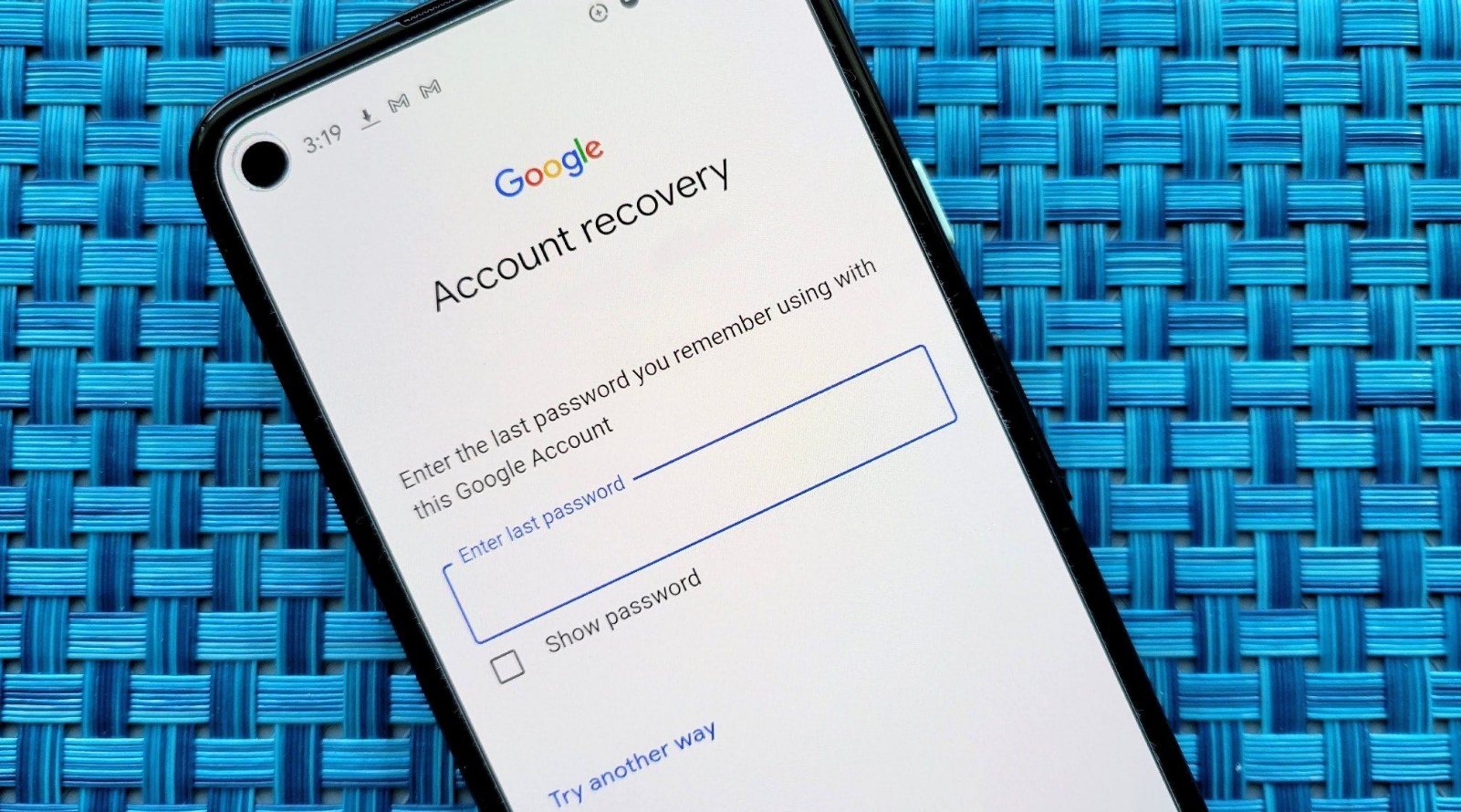
Product demo clips die in a boring place: the second shot no longer matches the screenshot the writer already published. A security walkthrough, a settings tour, or a short explainer can survive a rough cut, but it cannot survive a logo that changes shape or a button that moves to the other corner. The practical fix is to hand the still over as a reference and name its job in the prompt, which is what seedance 3 is built to take before any credits leave the account.
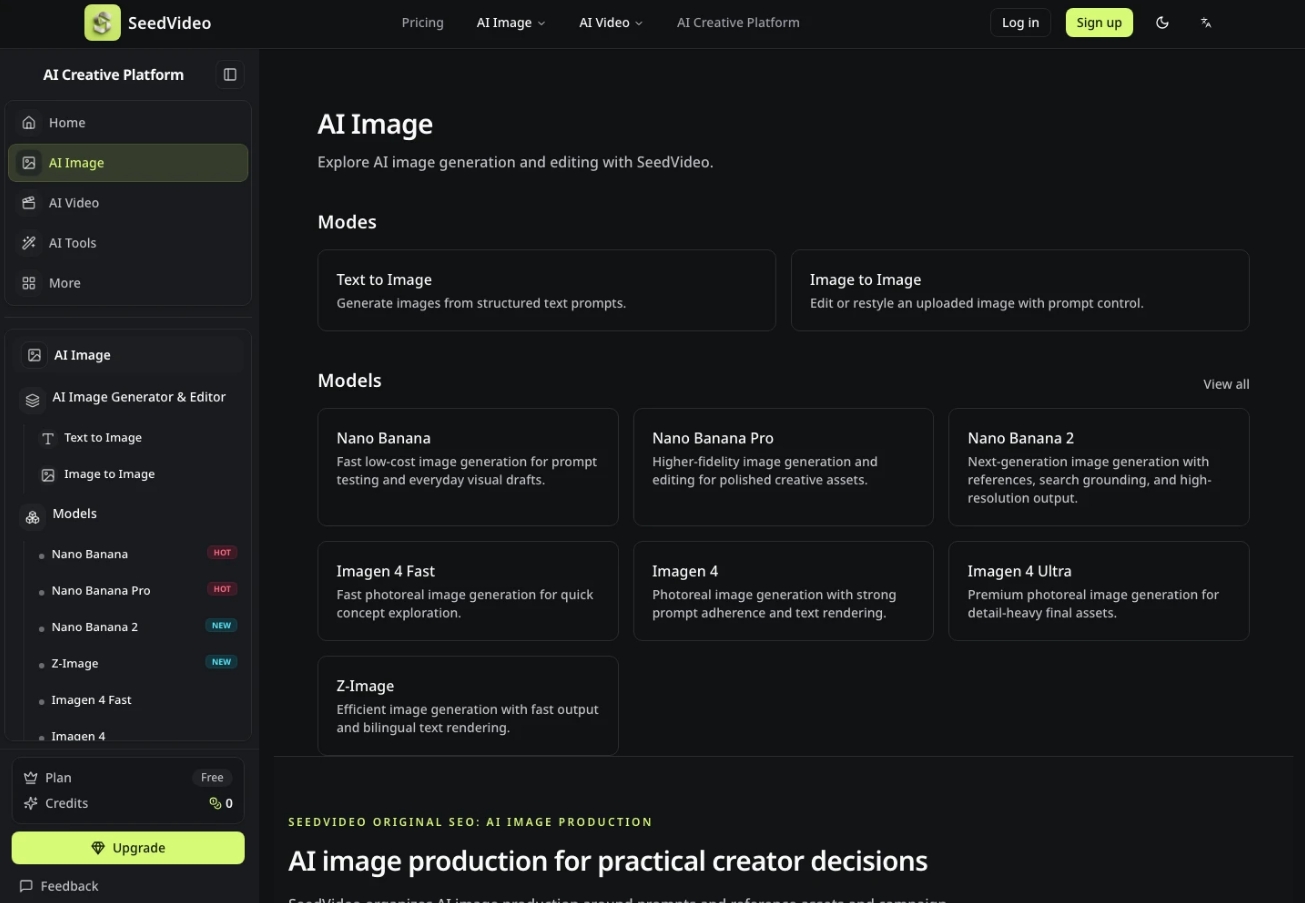
SeedVideo is the independent studio in front of that model. It is not the model maker, and the page says so in plain language: Seedance belongs to ByteDance, and this workspace is a third-party bench. That split matters on a tech desk. You are not waiting on a vendor film crew. You are checking whether one uploaded frame, one spoken line, and one sentence of direction can hold a product still long enough to publish.
How To Read The Workbench Before You Spend
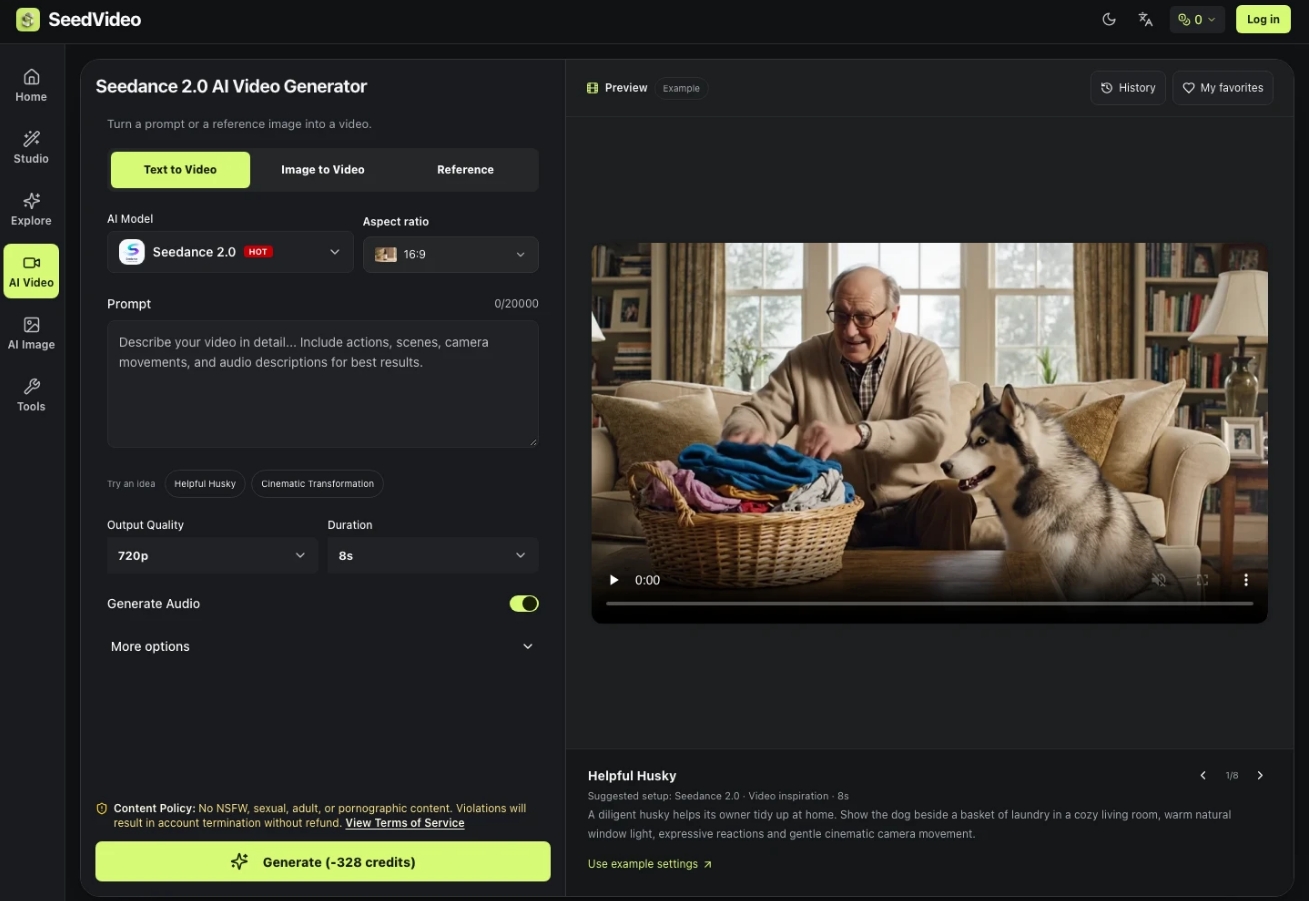
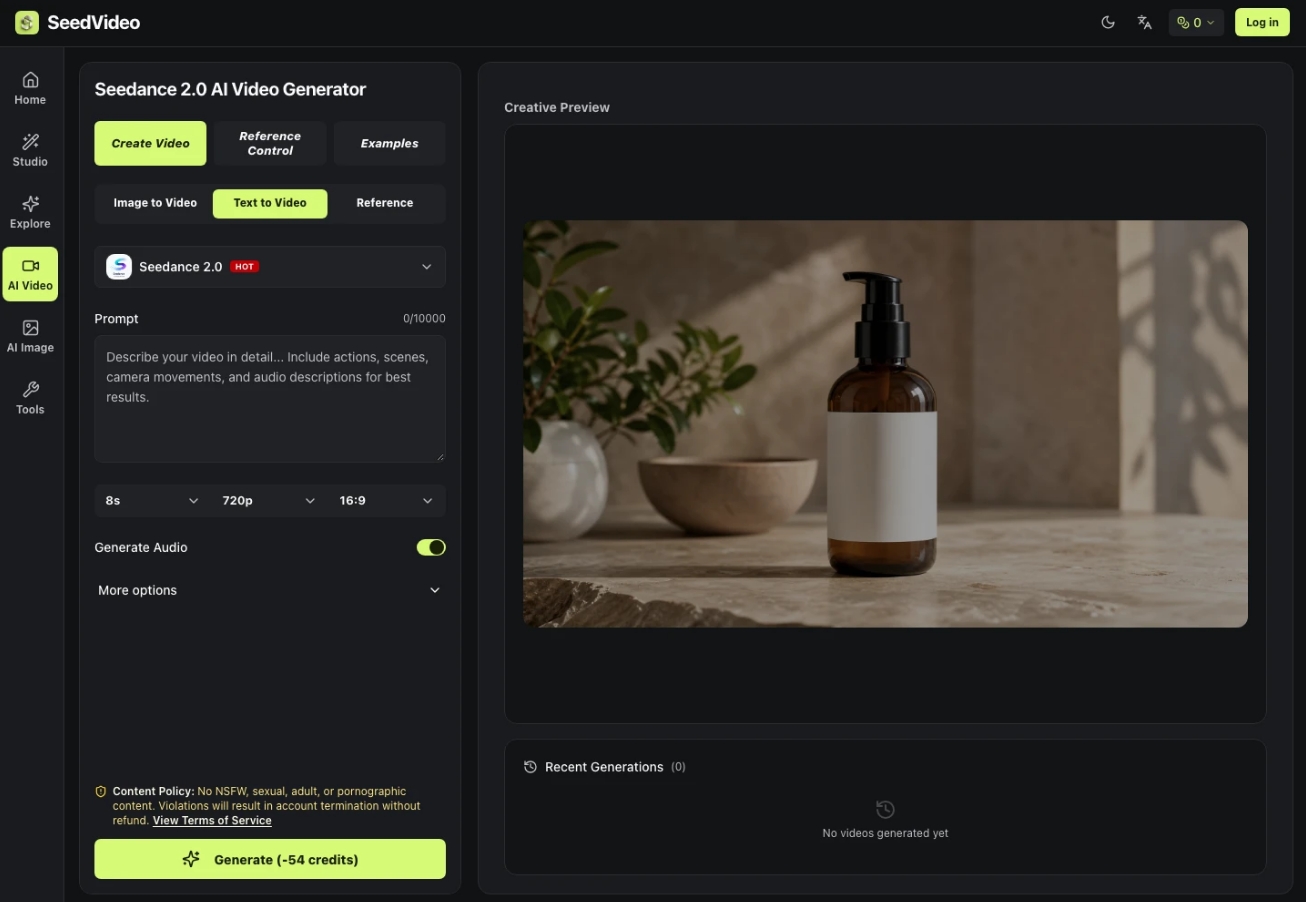
Open the video bench and read the controls that are actually on the page before you write a paragraph of direction. The model menu sits above the prompt. Aspect ratio is a separate lock, and the default shown on the home studio is 16:9. The prompt box counts characters up to 20,000, which is enough for a shot list and still small enough that a vague adjective will not hide inside the length. Audio is a toggle, not a surprise export. More settings, Last Frame, Web Search, and Find Inspiration sit beside that box, so the first decision is which of those you need and which you leave alone.
A suggested setup on the same page pairs a Seedance 2.0 selection with video inspiration and an 8 second length. Treat that line as a starting card, not as a promise that every Seedance 3 run costs the same or lasts the same. Other versions differ, and the page says the published duration and resolution notes apply to Seedance 2.0. For a demo, 8 seconds is already a full sentence of motion: a cursor lands, a panel opens, the camera eases, and the clip ends on the same chrome it started with.
What The At Mention Does Inside The Prompt
The how-to that SeedVideo prints under the steps is short on purpose. Upload images, video, or audio as references. Describe the vision in ordinary language. Tag a reference with @ inside the prompt so the model knows which file owns the face, which file owns the camera, and which file owns the rhythm. Then generate, and only after that extend, edit, or refine. The @ mark is the part most demo scripts skip. Without it, three uploads become a pile, and the model is free to borrow a sleeve from one file and a hallway from another.
On a walkthrough, give each file one job. The product screenshot is the character of the scene, even when the “character” is a window. A short reference clip, if you have one, is the camera move, not a second product. An audio file is the beat, not a voiceover you hope will appear. The page describes that split directly: an image can hold the character, a video can hold the camera, and audio can hold the rhythm. Write those jobs in the prompt in that order, then stop adding adjectives.
- One still for the interface, logo, and button placement.
- One clip only if you already like the camera move.
- One audio file only if the cut has to land on a beat.
- One sentence that says what must not change.
The 76 Credit Example Versus A Reference Clip
The subscriptions block publishes a worked example, and it is specific enough to read aloud. Nano Banana, the image side, starts at 4 credits per image. Seedance 2.0 at 480p for 4 seconds costs 76 credits when there is no reference video, and 92 credits when a 4 second reference video is included, because the page counts 4 seconds of input plus 4 seconds of output. Those two numbers are examples, not a price band for every resolution. The same paragraph says other resolutions, durations, and input videos change the cost, and the generator estimate is the number to trust before you generate.
| Published example | What the page counts | Credits |
|---|---|---|
| 480p, 4 seconds, no reference video | Output only | 76 |
| 480p, 4 seconds, plus a 4 second reference video | Input plus output | 92 |
| Nano Banana image | One image | 4 |
That 16 credit gap is the whole lesson for a reference-heavy demo. A motion reference adds time the meter can see, so treat it as a paid camera note rather than a free hint. If the screenshot already carries the product, skip the reference video on the first pass and spend the 76 credit example path, then add a camera clip only when the still is right and the move is wrong.
Read The Estimate Before You Press Generate
The page is blunt about this: check the generator estimate before generating. New accounts receive free trial credits, but the amount is not printed as a fixed purse, so do not budget a launch week against a number the studio did not publish. Standard Seedance 2.0 on this bench can be 480p, 720p, 1080p, or 4k. Fast is 480p and 720p. Duration choices run from 4 seconds through 15 seconds in one second steps. Pick 480p and 4 seconds when you are still checking whether the logo survives. Move length and resolution only after that check passes.
A Four Second Clip Is Not The Whole Menu
ByteDance’s Seedance 2.0 note, as the studio cites it, allows up to 9 images, 3 videos, and 3 audio references, with output up to 15 seconds. Seedance 3 is described on the same site as the stronger pass for multi-modal control, consistency, and editing, not as a different credit table. If a producer asks for a Seedance 3 price before the estimate loads, the honest answer is that the worked numbers above are the Seedance 2.0 examples. The habit that transfers is the estimate, not a copied total.
When A Product Face Drifts Between Frames
The failure you can see is drift. The page names it: faces, clothing, text, scenes, and style are supposed to stay consistent, and character drift between frames is the problem the model claims to answer. On a software demo the “face” is the product chrome. A wordmark that melts, a toggle that swaps sides, or a chart title that becomes a different word is a failed cut even if the camera move looks smooth. Put the still next to the output and reject the file when those marks do not match. That rejection is cheaper than a second explainer that has to apologize for a button the product does not have.
Clothing And On Screen Text Have To Stay
The consistency claim covers clothing and text, which is the part a luxury still and a settings panel share. If a person is in the demo, the jacket and the haircut are part of the reference, not decoration. If the frame is only UI, the labels are the clothing. Say which text must remain readable. Do not ask the model to invent a new menu. The content rules on the bench also refuse NSFW material and say violations can end the account without a refund, so a joke frame is not a harmless test.
Download The Cut Without A Watermark On It
SeedVideo says Seedance 3.0 videos made here are watermark-free and can be used for commercial or personal projects. For a published walkthrough that is the difference between a file you can drop into the post and a file you still have to crop. The steps end on download after you have extended or edited. Extension and targeted edits are part of the same bench: you can extend a clip, merge segments, or change one action while the rest of the picture stays. Use that when the first four seconds are right and the last second wanders, instead of throwing out the whole generation.
Keep the edit small. Replace a gesture or lengthen a hold. Do not restage the product in the same pass. The page’s own line is that the rest of the content should remain. If the logo moved during the extension, the extension failed, and the earlier file is the one to keep.
What The Desk Keeps After The File Lands
A tech desk does not need a film pipeline to use this. It needs one still that is already correct, one prompt that names that still with @, and one look at the estimate before generate. SeedVideo puts those three in the same studio: model, ratio, prompt, audio, references, and a credit figure that changes when a reference video is attached. The 76 and 92 credit examples are there so a producer can explain the gap without inventing a rate card.
Ship the cut when the interface still matches the screenshot and the file has no watermark to crop out. If the estimate jumps because a reference video was added, decide whether the camera move is worth those extra credits before you spend them. That is the whole check. The model can carry motion. The writer still has to say which pixels are not allowed to change.